The Shocking Truth: Why Free VPNs Are Dangerous in 2026
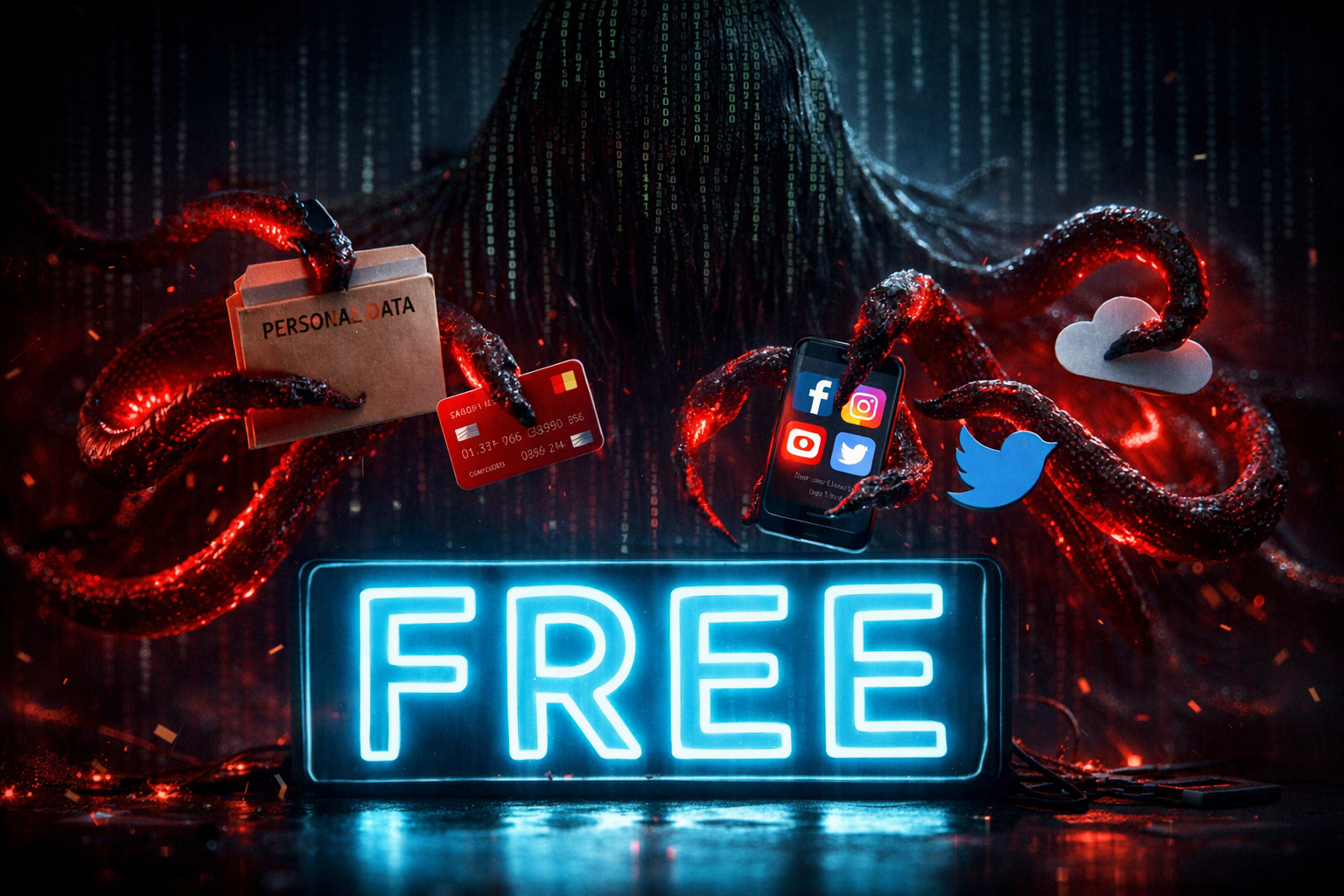
Short answer: many free VPNs are not safe, because running a VPN network is expensive and an app that charges nothing usually pays its bills with your data, your bandwidth, or intrusive ads. Security research has repeatedly found free VPN apps that don't encrypt traffic properly, embed trackers, or leak your real IP. A small number of free tiers from reputable paid providers are the exception; anonymous "Super Fast Free VPN" apps are the rule you should avoid.
App stores are full of VPNs with millions of downloads and five-star ratings. The problem is that you're handing a VPN app the most sensitive position on your device: it sees all of your traffic. That makes the business model behind the app the single most important thing to understand.
How do free VPNs make money?
Servers, bandwidth, and development cost real money. A free VPN without a paid upgrade has to fund that somehow. The common models are:
- Advertising and tracking SDKs built into the app, which collect device identifiers and usage data for ad networks.
- Selling or sharing browsing data with data brokers or "analytics partners", sometimes described vaguely in the privacy policy.
- Reselling your bandwidth: your device becomes an exit node in a residential proxy network that other customers pay to use.
- Freemium upselling: a limited free tier designed to convert you to a paid plan. This is the only model that doesn't depend on monetizing you directly.
What have researchers found inside free VPN apps?
The best-known study is a 2016 analysis of 283 Android apps using the VPN permission, by researchers from CSIRO's Data61, UNSW, ICSI, and UC Berkeley, presented at the ACM Internet Measurement Conference (IMC 2016). Among their findings: 18% of the apps used tunneling protocols without encryption, 38% had at least one positive malware report on VirusTotal, 75% embedded third-party tracking libraries, 82% requested access to sensitive data such as user accounts and text messages, and about 84% and 66% did not route IPv6 and DNS traffic through the tunnel. The app landscape has changed since then, but later independent reviews have kept finding similar problems in free VPNs.
Real-world cases make the risk concrete:
- Bandwidth resale: in 2015 the free Hola VPN extension was found to be selling access to users' connections through its sister business Luminati (renamed Bright Data in 2021), which meant other parties could route traffic through users' connections.
- Botnets built on free VPN apps: in 2024 the U.S. Department of Justice announced the takedown of the 911 S5 botnet, which it described as likely the world's largest, linked to over 19 million IP addresses. It said the malware was spread through free VPN programs such as MaskVPN and DewVPN, turning users' computers into proxies used for fraud and other crimes.
- Browsing data sold for ads: also in 2024, the FTC ordered Avast to pay $16.5 million and banned it from selling or licensing browsing data for advertising, after alleging that it collected users' browsing data through its software and sold it via its subsidiary Jumpshot. Avast's case involved antivirus software and browser extensions rather than a VPN, but it shows how free privacy tools can monetize the very data they claim to protect.
Are all free VPNs dangerous?
No. The safer free options are limited tiers offered by established paid providers, where paying customers fund the network. Proton VPN, for example, offers a free plan with no data cap and no ads, with fewer server choices and features than its paid plans. The trade-off is usually speed, server selection, device count, or streaming support, not your privacy.
The dangerous category is the anonymous free app with no clear company behind it, no paid plan, no audit, and a privacy policy that allows sharing data with "partners".
Free VPN vs reputable paid VPN: what's the difference?
| Factor | Typical unknown free VPN | Reputable paid VPN (or its free tier) |
|---|---|---|
| Business model | Ads, data, or bandwidth resale | Subscriptions |
| Independent no-logs audit | Rare | Common among leading providers |
| Encryption & leak protection | Inconsistent; leaks are common | Modern protocols, kill switch, DNS leak protection |
| Trackers in the app | Often several ad/analytics SDKs | Few or none |
| Speed & limits | Crowded servers, data caps | Large networks; free tiers are limited but honest about it |
| Known company & jurisdiction | Often unclear | Public |
How to check if a free VPN is safe
- Find the company. Look for a real legal entity, address, and leadership. If you can't tell who runs it, don't install it.
- Look for a paid plan. A free tier that exists to sell a paid plan is a much healthier sign than "free forever" with no upgrade.
- Read the privacy policy for words like "partners", "advertising", "analytics", or "bandwidth". Vague language about sharing data is a red flag.
- Check for an independent audit of the no-logs policy or the apps, published by a recognized security or accounting firm.
- Check the app's permissions and trackers. On Android, a VPN asking for contacts, SMS, or precise location is suspicious. Privacy labels in app stores can also reveal tracking.
- Test for leaks after installing. Our DNS and IP leak test guide takes a couple of minutes.
What are the warning signs of a risky free VPN?
- "Unlimited, free forever" with no paid plan and no explanation of how the service is funded.
- Full-screen ads or ads injected into web pages while connected.
- A privacy policy that mentions sharing data with "partners" or using your device's "idle resources".
- The app asks to install a root certificate or a device management profile.
- A sudden spike in data usage or battery drain, which can indicate your connection is being used by others.
- Copy-paste app listings from a developer with dozens of near-identical VPN apps.
What should I use instead?
If you only need occasional protection and no streaming, a reputable free tier is a reasonable starting point. If you want speed, streaming support, or protection for the whole household, a paid plan is usually only a few dollars a month on longer terms. Providers like NordVPN and Surfshark have had their no-logs claims assessed by Deloitte (NordVPN most recently in December 2025, Surfshark in 2025); check each provider's site for the latest audit report before you buy.
Compare options in our privacy-first VPN picks, the budget-friendly cheap VPNs with unlimited devices, or the NordVPN vs Surfshark comparison.
Frequently Asked Questions (FAQ)
Is any free VPN actually safe?
Some are. Free tiers from established providers that are funded by paid subscriptions, such as Proton VPN's free plan, are generally considered safe. They limit features, not privacy.
Can a free VPN steal my passwords?
On sites using HTTPS, a VPN can't read your passwords directly. The bigger risks are tracking, selling your browsing metadata, leaking your real IP, and malicious apps that request excessive permissions or bundle malware.
Are free VPN browser extensions safer than apps?
Not necessarily. Many extensions are only proxies that protect browser traffic, not your whole device, and extensions can read the pages you visit. Apply the same checks: known company, clear business model, and minimal permissions.
I already installed a sketchy free VPN. What now?
Uninstall it, remove any VPN profile or certificate it added in your device settings, run a malware scan, and change passwords for important accounts if you're unsure. Turn on two-factor authentication where available.
Conclusion
A VPN app sees everything your device sends, so "free" should make you ask how the app is paid for. Unknown free VPNs have a documented history of weak encryption, trackers, data sales, and bandwidth resale. Choose either a reputable provider's limited free tier or a low-cost paid plan with an independent audit, and verify it for leaks after setup.
View Our Top VPN Picks